Clinical Lab Analyzer Customer Needs Analysis Agent
Here is the most expensive moment in your clinical lab analyzer sales funnel: a lab director requests a quote for a chemistry or immunoassay analyzer. Your rep replies with a multi-page Excel questionnaire covering test menus, throughput requirements, sample types, LIS integration specs, CLIA classification, reagent preferences, and space constraints. The lab director opens it, realizes they need input from the IT department on interface specs, from the medical director on test panel priorities, and from facilities on power and ventilation requirements. They save it to their desktop and never touch it again.
Your sales team follows up three times. Four times. Five. They offer to walk through it on a call. Silence. The deal dies in a spreadsheet, not because the lab director lost interest, but because you made it too hard to buy from you.
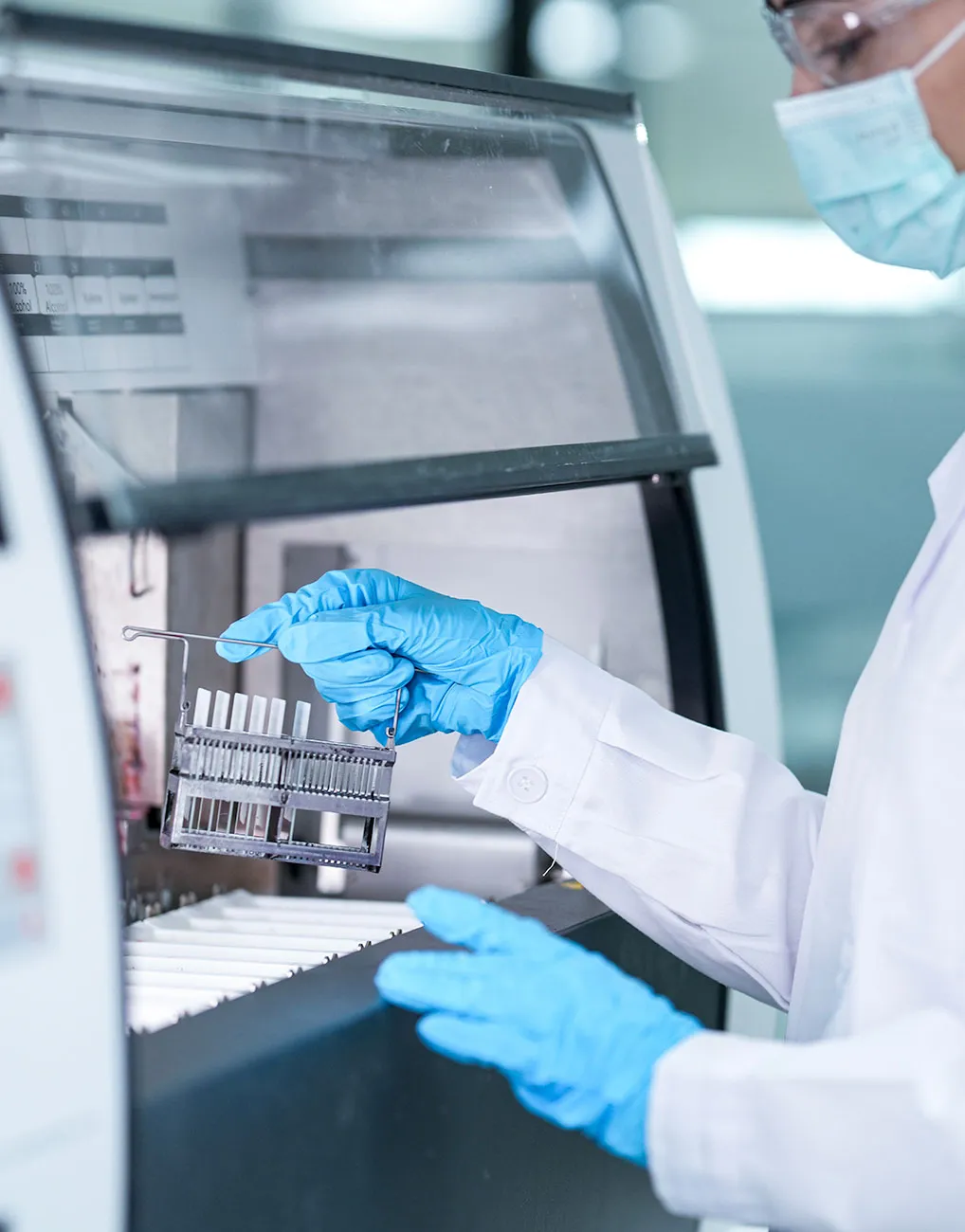
Every clinical laboratory equipment company has some version of this intake process, and most run it the same way they did a decade ago. Spreadsheets. PDFs. Email chains. Test menu checklists with 200 assays and no guidance on which ones matter for the prospect's patient population.
Needs Analysis replaces that entire process. Instead of emailing a spreadsheet and hoping someone fills it out, your ENGAGE chatbot collects every requirement through an intelligent, guided conversation, right on your website, the moment the lab director or purchasing manager is engaged. An agent is completing a real-time customer needs analysis, asking the right questions about throughput, test panels, connectivity, and compliance, adapting to the prospect's answers, and automatically extracting data from uploaded documents such as current test menus, SOPs, or method validation summaries.
Without Clinical Lab Needs Analysis
Days to weeks (if ever)
With Clinical Lab Needs Analysis
Minutes, during the first visit
Without Clinical Lab Needs Analysis
10-20% of sent questionnaires
With Clinical Lab Needs Analysis
70-85% first-session completion
Without Clinical Lab Needs Analysis
2-4 hours of follow-up
With Clinical Lab Needs Analysis
Near zero
Without Clinical Lab Needs Analysis
5-15 business days
With Clinical Lab Needs Analysis
Same day
You have qualified buyers on your website right now. Lab directors and purchasing managers who need analyzers. But between their intent and your quote lies the most friction-heavy step in your entire clinical lab sales process: collecting the technical requirements needed to configure the right analyzer system.
Somewhere in your sales process lives a spreadsheet with 150 to 300 assay line items. Chemistry panels. Immunoassay menus. Hematology parameters. Coagulation tests. Your prospect is supposed to review each one, check the ones they run, note the volumes, and flag any esoteric tests that require special reagent packs. This spreadsheet is the single biggest deal-killer in your clinical lab sales pipeline, and nobody talks about it. Here is what happens: A lab director fills out a contact form or chats with your ENGAGE chatbot. They are interested. They have a budget. They have a timeline, maybe a lease expiration on their current analyzer or a new lab buildout on schedule. Your rep sends them the requirements questionnaire. And then nothing. The lab director opens it, sees 40 fields they need to look up, realizes they need the current test menu from their LIS system, input from the medical director on new test additions, and confirmation from IT on their middleware setup. The spreadsheet gets saved to their desktop. They never come back. This is not a sales problem. It is a UX problem. You are asking a motivated buyer to do unpaid data entry on your behalf, in a format designed for your product configuration team, not for their experience.
Clinical analyzer purchases involve three to five decision-makers at the buyer's facility. The lab director knows the test volumes. The medical director drives the test menu priorities. The IT manager understands the LIS and middleware integration landscape. The facilities manager knows the power, water, and ventilation constraints. The CFO or purchasing department controls the budget.
Your intake questionnaire requires data from all of them, but you sent it to one person. That person now has to coordinate internally, chase down colleagues, consolidate answers, and send everything back in one spreadsheet. It is project management, not purchasing. Most prospects will not do it.
Without visibility into who needs to contribute which sections, every follow-up from your sales team is the same generic nudge: "Just checking in on that questionnaire." The lab director, already juggling patient care operations and a dozen other priorities, stops responding.
Meanwhile, a competitor who asked five focused questions over the phone and then configured a proposal based on assumptions is already presenting. They win not because their analyzer is better, but because their process was easier.
Even when a lab does complete your intake form, the data quality is often unusable for accurate configuration. Free-text fields with ambiguous test names ("lipid panel" can mean four different things depending on the vendor). Throughput numbers listed without specifying peak vs. average volumes. Interface requirements noted as "LIS compatible" with no mention of which LIS, which version, or which protocol (HL7, ASTM, POCT1-A).
Your applications or product configuration team receives the completed questionnaire, spends an hour reviewing it, then sends it back to the sales rep with a list of clarification questions. The rep emails the prospect again. Another round of back-and-forth. Another week of delay.
For every day that passes between initial interest and delivered quote, the probability of closing that analyzer deal drops. Your competitors who quote faster win, even when your analyzer is technically superior.
Clinical laboratory analyzer purchases involve regulatory considerations that other B2B equipment sales do not. CLIA waived vs. moderate vs. high complexity classifications affect which analyzers a lab can operate. CAP accreditation requirements dictate documentation and QC capabilities. State-specific regulations add additional layers.
Your prospects are experts in running their lab, but not in mapping regulatory requirements to your product catalog. When they encounter a field asking about CLIA classification or CAP proficiency testing requirements, they may not know how their answer affects the analyzer recommendation. They guess, which creates data quality problems. Or they stop and ask for help, which creates delays.
What is needed is a needs analysis method that guides lab buyers through the regulatory mapping process without requiring them to become experts in your internal configuration logic.
Your lab prospects already have the data you need. It is buried in their current test menus, LIS configuration reports, SOPs, and method validation documents. You are asking them to retype it into your spreadsheet. They will not do it. Needs Analysis eliminates the retyping entirely.
When a lab director or purchasing manager indicates they need an analyzer quote or want to start an evaluation, Needs Analysis activates within the ENGAGE chat and opens a dedicated panel alongside the conversation. The visitor fills out your requirements through a guided, adaptive interface, a customer needs analysis that feels like a conversation about their lab's needs, not a data entry exercise, while your ENGAGE chatbot stays available right beside it to answer questions in real time.
Lab directors can upload their current test menu exports, LIS configuration reports, SOP documents, or method validation summaries. The AI analyzes the document within seconds, extracts relevant data, including test names, sample types, throughput volumes, and interface specifications, and pre-fills the intake form automatically.
For a comprehensive analyzer intake that would normally take hours of manual data entry spread across days, document upload reduces it to under 10 minutes of review and confirmation. The AI maps test names to your assay catalog, flags potential mismatches for human review, and identifies tests that may require special reagent packs or add-on modules.
Needs Analysis does not show lab prospects a wall of 300 assay checkboxes. It guides them through the process intelligently:
The ENGAGE chatbot stays active alongside the Needs Analysis panel. If a lab director gets stuck on an LIS interface specification, confused by a throughput calculation, or unsure which analyzer tier fits their volume, they simply ask the chatbot. The AI, trained on your complete product knowledge, provides guidance specific to the field they are completing.
This eliminates the two biggest causes of clinical lab intake abandonment: confusion about technical specifications and uncertainty about which product configuration matches their lab's profile.
The lab director fills out what they know: test menu, volumes, workflow preferences. Then they share a collaborative workspace link with IT for LIS and middleware details, with facilities for power and space requirements, and with purchasing for budget and timeline information. Each stakeholder sees only their relevant sections, not the entire questionnaire. All updates sync to a single record in your CRM. This is how customer needs analysis works when the process is designed for how labs actually make purchasing decisions, not for how your internal team wants to receive data.
STEP
1
A lab director is chatting with your ENGAGE chatbot on your website. They ask about analyzer pricing, request a quote, or indicate they are evaluating systems for a new lab or analyzer replacement. The chatbot recognizes the intent and introduces the needs analysis: "I can help you get started on a quote right now. Let me pull up a quick set of questions about your lab's requirements so we can configure the right system for you."
A dedicated panel slides into view alongside the chat. The visitor sees a clean, guided interface, not a spreadsheet.
STEP
2
If the lab has existing documentation, such as current test menus, LIS configuration reports, SOPs, or method validation documents, they can upload them directly. The AI analyzes the documents and pre-fills relevant fields within seconds.
The lab director sees exactly what was extracted and can edit, confirm, or supplement any field. Nothing is submitted without their review.
STEP
3
For fields not covered by document upload, the Needs Analysis form guides the prospect through each section:
STEP
4
Before submission, the lab director sees a complete summary of everything entered. They can edit any field, add notes for their sales rep, or flag items they want to discuss. When they submit, the complete requirements dataset is routed to your CRM and assigned to the correct sales rep. The prospect receives a confirmation email with a summary and clear next steps.
STEP
5
For incomplete submissions, targeted email sequences activate automatically. These are not generic "just checking in" messages. They reference the specific fields that remain incomplete and offer specific help.
"Hi [Name], I noticed you left the LIS interface specification blank on your analyzer requirements form. If you need to check with your IT team, I can send them a quick summary of what we need. Just reply to this email or click here to finish up. It should take under 2 minutes."
Each follow-up comes from the assigned rep's actual email address, maintaining the personal relationship from the start.
STEP
6
Our team monitors intake completion rates for your clinical lab audience, identifies where prospects abandon or hesitate, and refines the experience. Questions that cause confusion get rewritten. New autocomplete options are added based on common entries. Document analysis accuracy improves as we process more clinical lab documents. Monthly reporting shows completion rates, average time to complete, and conversion from intake to closed analyzer deal.
Most clinical lab equipment companies know their intake process is broken. Some try to fix it. Here is what typically goes wrong.

Someone on your marketing team builds a web form. It takes a week. It looks professional. And it solves approximately none of the actual problems.
The form has no conditional logic; every prospect sees all 200 test assay checkboxes regardless of whether they run a 50-bed hospital or a physician office lab. There is no document upload, so lab directors still have to manually retype data from their test menus. There is no autocomplete mapping test names to your assay catalog, so entries are inconsistent and often unusable. There is no AI assistance, so when a purchasing manager does not understand "HL7 bidirectional interface compatibility," they guess or abandon.
Nobody monitors it after launch. The form sits there for two years, unchanged. Nobody reviews completion rates. Nobody updates it when you add a new analyzer model or expand your test menu. Your sales team quietly goes back to emailing the spreadsheet.

Someone proposes building a proper intake system. The IT team scopes a project: six months, $120K, custom-built for your analyzer configuration process.
Six months becomes nine. The budget goes 40% over. The system launches with most features. Then your product team releases a new analyzer platform and the intake form does not support it. That is a dev ticket, two weeks minimum. Your test menu expands. Another dev ticket. Marketing wants to update the language on the CLIA classification section. Another dev ticket.
Within a year, the system is as rigid as the spreadsheet it replaced, except it cost $120K and requires a developer every time someone needs a change.

Your regional sales manager decides the spreadsheet is too much friction, so the new policy is: get them on a call and walk through it. Problem solved, right?
It works for the first five prospects. Then it does not scale. Each intake call takes 30-45 minutes. Your rep has 20 active opportunities across their territory. That is 10-15 hours a week on data collection, not on selling, not on building relationships with lab directors, not on working competitive evaluations.
The calls only happen during business hours, so a lab director ready to submit requirements at 8pm after their last run is done has to wait until someone is available on Thursday at 2pm. By then, the urgency has faded or they have already talked to your competitor.
You replaced a spreadsheet problem with a scheduling problem. Neither one gets you closer to a quote faster.
Every clinical lab equipment company with a complex analyzer configuration process has a version of this problem. Here is how Needs Analysis replaces the spreadsheet for specific clinical laboratory scenarios.
A hospital lab director is evaluating chemistry analyzers for a system replacement. They need to document current test menu (180+ assays), daily sample volumes by shift, STAT turnaround time requirements, LIS interface specifications, and space and utility constraints.
Without Clinical Lab Needs Analysis
Your rep sends the 45-page requirements workbook. The lab director needs data from IT (LIS specs), facilities (power and water), and the medical director (test menu additions for the new strategic plan). The workbook gets forwarded between four people and sits in the IT manager's inbox for two weeks. When it comes back, the LIS section says "Epic Beaker" with no version number or interface protocol details. Your configuration team sends it back for clarification. Another week lost. Total time: 4-6 weeks.
With Clinical Lab Needs Analysis
The lab director uploads their current LIS test menu export. The AI extracts test names, maps them to your assay catalog, and pre-fills throughput data. The director reviews, confirms, and shares the collaborative workspace link with IT for interface specs and facilities for utility details. Each stakeholder completes only their section. Your configuration team has clean, validated data within 48 hours.
A health system is standardizing point-of-care testing across 12 clinic locations. The purchasing department needs to collect site-specific requirements for each location: test mix, daily volumes, connectivity to central LIS, operator training levels, and space constraints per site.
Without Clinical Lab Needs Analysis
Your rep sends 12 copies of the requirements spreadsheet, one per site. Some sites complete it, some do not. The data comes back in inconsistent formats. Your team spends two days consolidating responses and flagging inconsistencies before they can even begin quoting.
With Clinical Lab Needs Analysis
The purchasing manager opens one Needs Analysis session and uses the multi-site template. Each clinic manager receives a streamlined link with only site-specific fields to complete. All responses flow into a single consolidated record in your CRM. Your team has clean, comparable data across all 12 sites within a week.
A reference laboratory processing 5,000+ samples daily is evaluating high-throughput analyzers. Requirements include detailed throughput modeling, reagent consumption projections, middleware integration for automated result verification, and regulatory compliance documentation for CAP and CLIA.
Without Clinical Lab Needs Analysis
The technical requirements span multiple disciplines. Your 60-field questionnaire requires input from laboratory operations, quality assurance, IT, and finance. The operations director fills out 70%, but the middleware integration section requires a specialist who is booked for two weeks. The questionnaire sits incomplete. Your rep follows up five times. The operations director starts screening the calls.
With Clinical Lab Needs Analysis
The operations director uploads their current workflow documentation and quality manual excerpts. The AI extracts throughput data, QC protocols, and middleware requirements. The director fills in the remaining operational fields, then shares the workspace with IT for the middleware deep-dive and quality for CAP compliance requirements. Complete, validated requirements arrive in your CRM within one week instead of six.
Most chatbot companies sell you a platform and wish you luck. AI companies sell you a model and tell you to figure out the rest. Needs Analysis is neither of those things.
We design, build, deploy, and continuously optimize your entire clinical laboratory intake process. The outcome you pay for is specific: qualified requirements data flowing into your CRM, collected automatically from your website visitors, without your sales team lifting a finger.
When AI handles the grind of requirements collection, your salespeople finally get to do the work they got into sales to do. They stop chasing spreadsheets and start building relationships. They stop being data entry clerks and start being trusted advisors. That is not a threat to your sales team. It is the biggest gift you can give them.
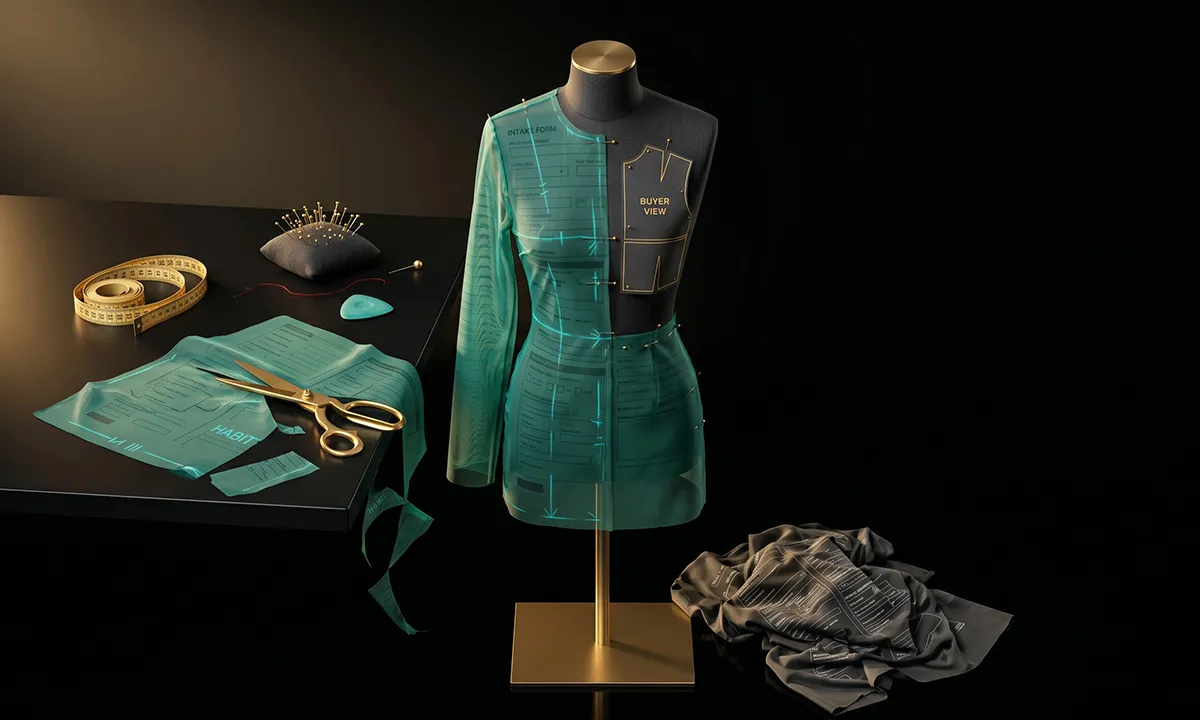
Our team studies your current clinical laboratory intake workflow, from the spreadsheet or form you send today to the back-and-forth emails that follow. We identify where prospects drop off, which questions cause confusion, and what data your configuration or engineering team actually needs versus what you are collecting out of habit. Then we rebuild the entire experience from scratch, optimized for completion, not just data collection.
Every Needs Analysis deployment is custom. Your fields, your product logic, your conditional rules, your document types, your CRM mapping. We structure the intake to align with your actual clinical laboratory configuration and quoting workflow, so the data that arrives in your CRM is immediately usable by your team. This is not a template. It is a custom-built intake system trained on your products, your industry terminology, and your sales process.
After launch, our team reviews completion data, identifies friction points, and refines the experience.


You get a sales channel that improves each month without taking up any of your team's time.
CAPABILITY
DIY APPROACH
NEEDS ANALYSIS
Design
Your team builds forms in-house
We design the entire intake experience
AI Training
You configure rules yourself
We train AI on your products and documents
Document Analysis
Not available
AI extracts data from uploaded SOPs, method validation documents, test menus, and laboratory procedures
Deployment
Your IT team integrates
We deploy within your ENGAGE chatbot
Monitoring
Your team reviews (if they have time)
Our team monitors completion rates daily
Optimization
Happens when someone has bandwidth
Continuous, data-driven improvement
CRM Integration
Your team maps fields
We configure routing, assignment, and field mapping
Follow-Up
Your team writes emails
We build targeted sequences for incomplete submissions
Accountability
Falls to whoever "owns" the form
We own the outcome: completed forms in your CRM
DIY APPROACH
Your team builds forms in-house
NEEDS ANALYSIS
We design the entire intake experience
DIY APPROACH
You configure rules yourself
NEEDS ANALYSIS
We train AI on your products and documents
DIY APPROACH
Not available
NEEDS ANALYSIS
AI extracts data from uploaded SOPs, method validation documents, test menus, and laboratory procedures
DIY APPROACH
Your IT team integrates
NEEDS ANALYSIS
We deploy within your ENGAGE chatbot
DIY APPROACH
Your team reviews (if they have time)
NEEDS ANALYSIS
Our team monitors completion rates daily
DIY APPROACH
Happens when someone has bandwidth
NEEDS ANALYSIS
Continuous, data-driven improvement
DIY APPROACH
Your team maps fields
NEEDS ANALYSIS
We configure routing, assignment, and field mapping
DIY APPROACH
Your team writes emails
NEEDS ANALYSIS
We build targeted sequences for incomplete submissions
DIY APPROACH
Falls to whoever "owns" the form
NEEDS ANALYSIS
We own the outcome: completed forms in your CRM
Think about what your best sales reps actually do when they have time. They visit labs. They learn how the lab director's workflow creates bottlenecks. They understand which tests drive revenue and which ones are loss leaders kept for patient care. They build relationships with medical directors and become the trusted advisor who gets called first when a new testing need emerges.
Now think about what those same reps actually spend their time doing. Chasing spreadsheets. Following up on incomplete questionnaires. Retyping test menu data into your quoting system. Scheduling 45-minute intake calls to collect information the lab director already has in their LIS export.
Needs Analysis does not replace your reps. It takes the work they never wanted off their plate. When AI handles the grind of requirements collection, your reps get to do the work they got into clinical lab sales to do: learn the lab's needs, design the right solution, and close deals that stick because they were configured correctly from the start.
The rep who always seems impossibly prepared for every lab visit, who knows the test volumes and the LIS setup and the facilities constraints before they walk through the door? That is not someone working more hours. That is someone whose intake process gives them the complete picture before they ever pick up the phone.
AI fluency is not about being a tech wizard. It is about caring enough to prepare better, respond faster, and show up sharper. The sales teams that embrace AI-powered needs analysis will not just sell more analyzers. They will move upmarket, tackle more complex multi-site evaluations, and become the strategic partner their lab customers actually want.
The ceiling goes up, not down. Your best reps earn more, not less, because they finally have the bandwidth to see the full picture of their accounts.
Needs Analysis is an add-on to ENGAGE, so it inherits all of ENGAGE's integration capabilities and adds intake-specific connections for the clinical laboratory industry.


Installs through your existing ENGAGE chatbot. No additional code, no separate widget, no IT project. If ENGAGE is live on your site, you can activate Needs Analysis within it.
Learn more about the ENGAGE chatbot platform
IMPLEMENTATION
We do not hand you software and disappear. Here is what goes into building a Needs Analysis deployment that actually works.

Phase 1
Before we build anything, we study what you are doing today. We review your current clinical laboratory intake forms, spreadsheets, and questionnaires. We interview your sales and configuration teams about what data they actually need versus what they collect out of habit. We map the end-to-end process from inquiry to deliverable quote, identifying where prospects drop off, where data quality breaks down, and where your team spends the most time on back-and-forth.

Phase 2
We design the field sequence, conditional logic, and section grouping for optimal completion in your specific clinical laboratory context. Every field gets plain-language descriptions and help text so prospects know exactly what is being asked. We configure autocomplete libraries from your product catalog and known values. We train the document analysis AI on your industry's document formats, ensuring high extraction accuracy from day one.

Phase 3
We run hundreds of test scenarios across different clinical laboratory prospect types and use cases. We validate the accuracy of document analysis against your actual document formats. We test CRM integration and verify that data lands in the correct fields. We test follow-up workflows end-to-end. We provide a private preview for your team to try breaking it.

Phase 4
We activate Needs Analysis within your live ENGAGE chatbot, monitor real interactions during the first weeks, and make rapid adjustments based on actual prospect behavior. We establish baseline completion metrics and brief your sales team on the new lead flow.
Ongoing
We review completion data weekly, analyze performance monthly, and continuously train the AI as new document types and field patterns emerge. We update the intake as your products, pricing, or requirements change. Your needs analysis process stays current because we actively maintain it.
INVESTMENT
Needs Analysis is an add-on to Salesperson ENGAGE. Pricing is based on the complexity of your specific requirements collection process.

Number of fields and conditional logic paths in your analyzer intake process

Complexity of test menu mapping and assay catalog integration

Document types that need AI analysis (test menus, SOPs, LIS configuration reports, method validations)

CRM integration complexity and custom field mapping requirements

Number of analyzer platforms or configuration scenarios covered
Multi-site or multi-stakeholder workflow requirements
Follow-up automation and collaborative workspace requirements
One-Time Setup
There is a one-time setup fee that covers the intake process audit, AI training, custom form design, CRM integration, and testing. This varies based on complexity, because a 15-field equipment sizing intake is fundamentally different from a 60-field technical assessment with document analysis.
Monthly Service
After launch, a monthly service fee covers continuous monitoring, optimization, AI retraining, follow-up automation, and ongoing support. This is not a software license that sits idle. It is an active service delivering completed intake forms into your CRM every month.
PROJECTED IMPACT
10-20% → 70-85%
Intake form completion rate
Before: 10-20%
3-10 business days → Under 15 min
Average time to complete intake
Before: 3-10 business days
3-6 per prospect → 0-1
Follow-up emails before completion
Before: 3-6 per prospect
2-4 hours → Near zero
Sales rep hours per intake
Before: 2-4 hours
5-15 business days → Same day to next business day
Time from inquiry to deliverable quote
Before: 5-15 business days
40-60% → Under 15%
Prospects lost to intake friction
Before: 40-60%
"This problem plagued our sales team for years. We knew AI could solve it, but we had no idea where to start. It honestly felt like a pipe dream. Then we started working with Salesperson Inc. and were shocked at how quickly they built it and how well it worked. Their team are seasoned sales funnel experts, not IT people or AI engineers. It is like talking to a colleague who actually cares about the results of your business."
Clinical Laboratory Equipment Manufacturer
If the answer makes you wince, you already know the problem. Your intake process is where qualified analyzer deals go to die.
Every day that your lab prospects stare at a test menu spreadsheet and close the tab is another day a competitor who made buying easier gets the deal. Not because their analyzer is better. Because their process is.
Needs Analysis fixes this. Not with another form builder or another chatbot feature, but with a fully managed system that collects your requirements, analyzes your prospects' lab documents, and delivers completed intake data to your sales team, automatically, 24/7, without anyone on your team doing the work.
Right now, a lab director is on your website evaluating analyzer options. They have budget. They have a timeline. The only question is whether your intake process will let them buy from you, or push them to the competitor who makes it easier.
Stop conducting a needs analysis the hard way. Let the AI handle the process while your team handles the deals.